3D Printers
What 3D Printers should I get for my school?

Up until a few decades ago, 3D printing may have been a niche idea, but things have changed, and changed quickly. Like any contemporary technology, 3D printing has advanced quickly. What you once thought was impossible is now attainable, and you can even get a 3D printer and take advantage of this technology from the comfort of your own home.
Nearly every aspect of life, including education, has been impacted by 3D printing over time. Schools are now making investments in this technology to teach pupils about it and the advantages it offers, as well as to extend their perspectives.
But how precisely do you pick a printer for a classroom? What qualities should be taken into account, and how do you choose what is best for your students? Exactly that is the focus of this review. We have chosen a few 3D printers that, in our opinion, have some of the key characteristics that educators are on the lookout for in a 3D printer.
Ultimaker 2+
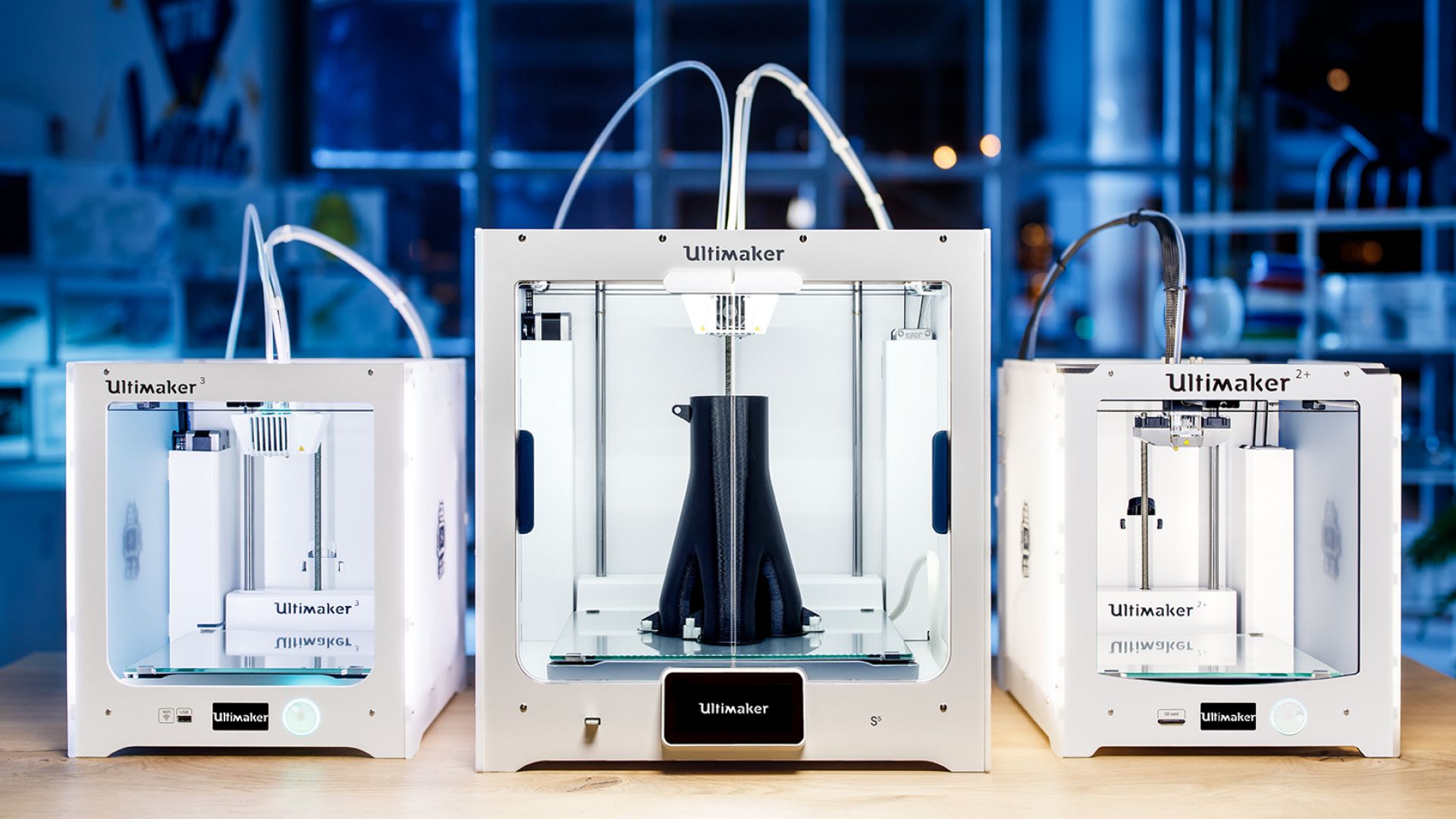
An upgrade to the Ultimaker 2 is the Ultimaker 2+. This printer therefore offers comparable capabilities with a few upgraded features. They both cater to the same user base, too. Multiple cutting-edge features are included with the Ultimaker 2+. With so many practical features built into one gadget, printing with the Ultimaker 2+ will undoubtedly be satisfying.
Setting up the Ultimaker 2+ is quite easy. The gadget can be used with various nozzle diameters to aid users in achieving the desired accuracy. The machine can now better control the printing process as a result. You can pick a nozzle diameter of 0.25, 0.4, 0.6, or 0.8 mm if you want to speed up your prints. An SD card is needed to store 3D designs on the printer. The manufacturer includes a 4GB SD card with the device. There isn't any other way to connect the gadget to a computer. There is no USB or Wi-Fi connectivity on the printer.
Pros
- Quiet
- High level of precision and resolution
- Compatible with a variety of operating systems
- Suitable for a wide range of filaments
- Works with third-party filaments
- Setup and installation are easy
Cons
- Expensive
- No auto-calibration
- Not enclosed
- No Wi-Fi connectivity
Flashforge Guider II
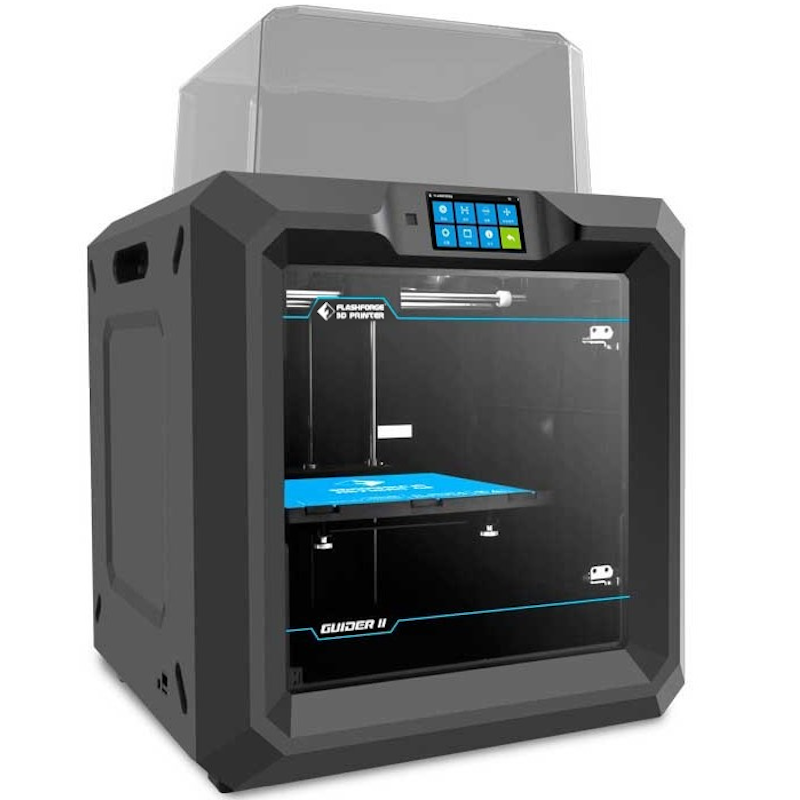
The Flashforge Guider IIS is marketed as an FFF printer with industrial-grade capabilities. The maker went above and beyond to make sure that the hardware of the computer lives up to this certification. It boasts a strong, metal chassis that is made entirely of metal. This printer is enclosed, and it has a transparent polymer door over the build chamber that lets you see what the machine is creating while simultaneously providing necessary protection and guaranteeing accurate temperature management. For the price, the machine's build volume of 250 x 280 x 300mm is fairly respectable.
The Flashforge Guider II S's features and design are based on those of the Guider II, which was previously available. The Flashforge Guider II S, however, offers several notable improvements over its predecessor despite being an improved version and having a higher price tag.
Pros
- Print Pad removal is simple.
- Reasonably priced and simple to use
- Dual extruders work quickly, allowing for the dual colour feature.
- Small-scale projects are simple to manage.
Cons
- Print bed leveling is not available automatically.
- Due to its enclosed chamber, it is an inferior choice for large designs
Dremel 3D45
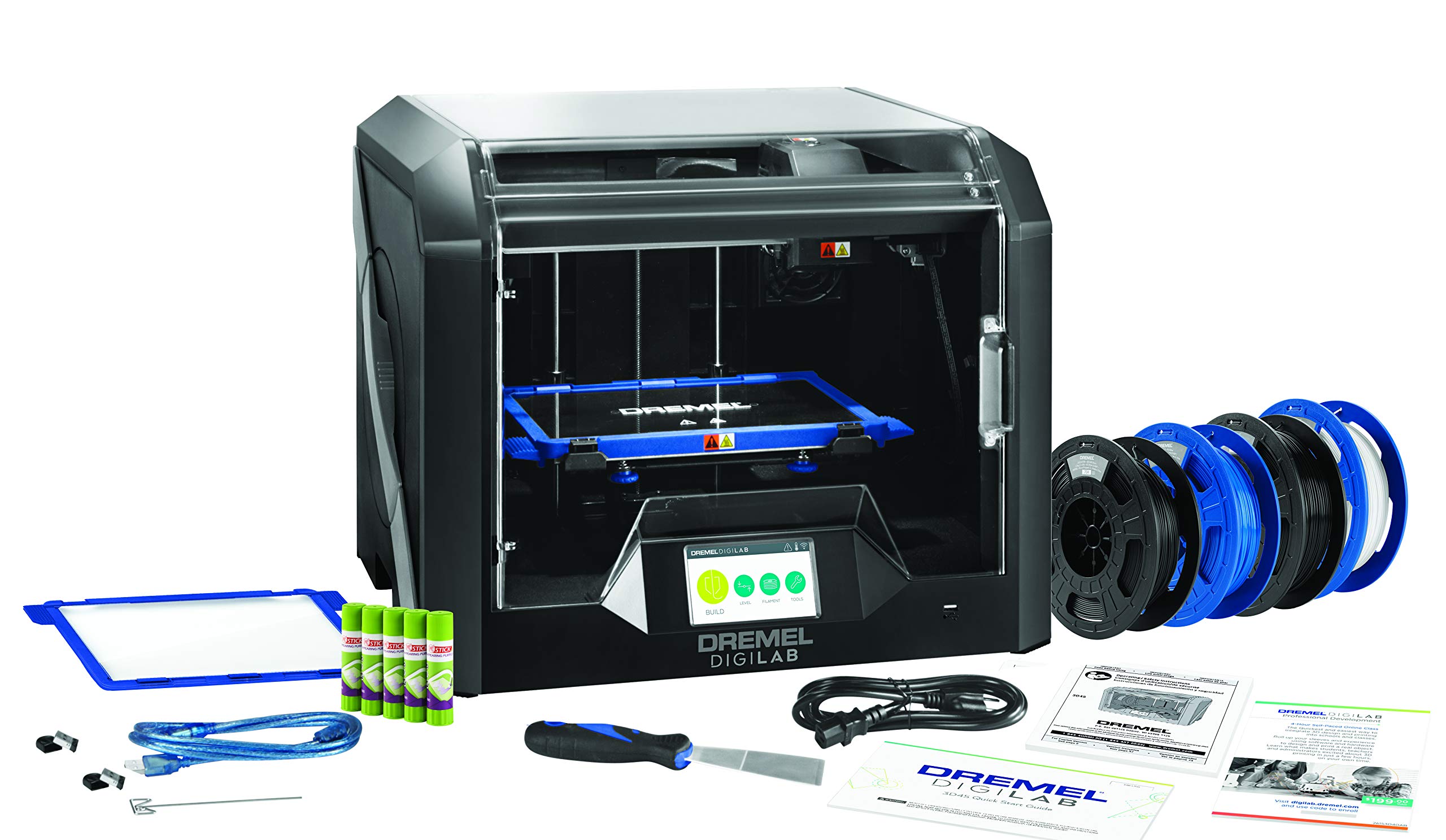
The Dremel Digilab 3D45 is an extremely durable machine for a learning environment and received the 2019 All3DP Best 3D Printer for Schools Award. Children cannot play with its filament because it is hidden inside the printer's casing. Its superb attention to detail makes it the perfect choice for schools.
Elementary school through high school are all great grade levels for the Dremel Digilab 3D45. It is simple to use and produces excellent results.
Pros
- Simple to use
- Fully assembled
- Prints of good quality
- Compact and cost-effective
- The simple bed leveling procedure
Cons
- The printer’s spool holder isn’t compatible with many third-party filaments.
- Dremel’s slicer software doesn’t work on some Macs.
Mega-SE
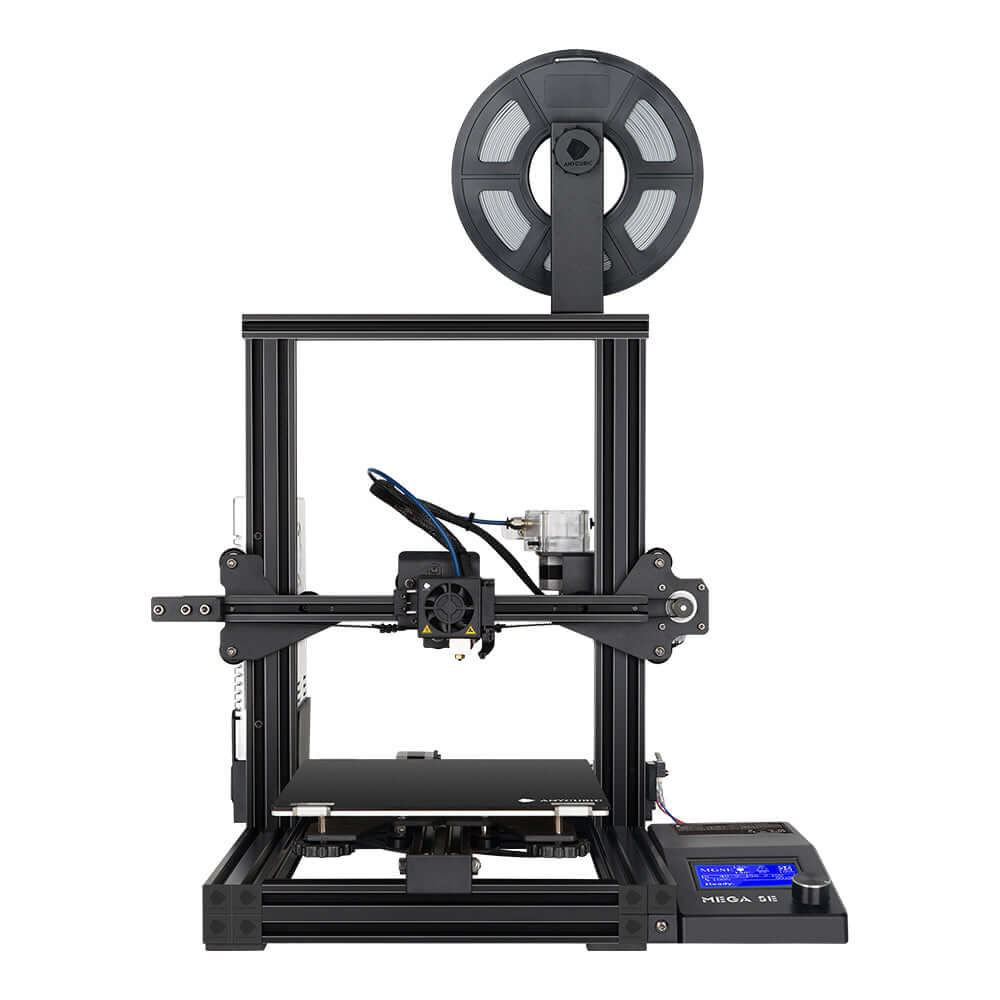
One of the greatest inexpensive printers is the Anycubic Mega SE. There are very few printers in that price range that can compete in terms of print quality and performance at a price point of around $300. It has a construction volume of 220 x 220 x 250 mm. The printer has a Titan extruder of the highest quality, and to save space, the filament rack is suspended from the side of the machine.
Targeting beginners and amateurs, the Mega SE is a cost-effective 3D printer. This explains why the machine comes half constructed, and installing the other parts is also simple. Additionally, it is quite easy to use, and it comes with simple touch screen controls.
Schools on a tight budget who require a resource that is usable by students at all levels will find the Mega-S to be a fantastic bargain. It can withstand constant use in the classroom and is a workhorse.
Pros
- Comes with an adjustment toolbox, a scraper, and extra nozzles.
- If the filament runs out or breaks, the machine will pause automatically.
- Adjusting the bed level is simple.
Cons
- The Mega-S is noisy because it’s not insulated.
- The cooling fans are noisy, but you can replace them.
Related Post



Comments

John Thin 06 Jun 2022
We brought Two Ultimakers and the print quality is amazing.
